GitHub Copilot
AI pair programmer built into major IDEs
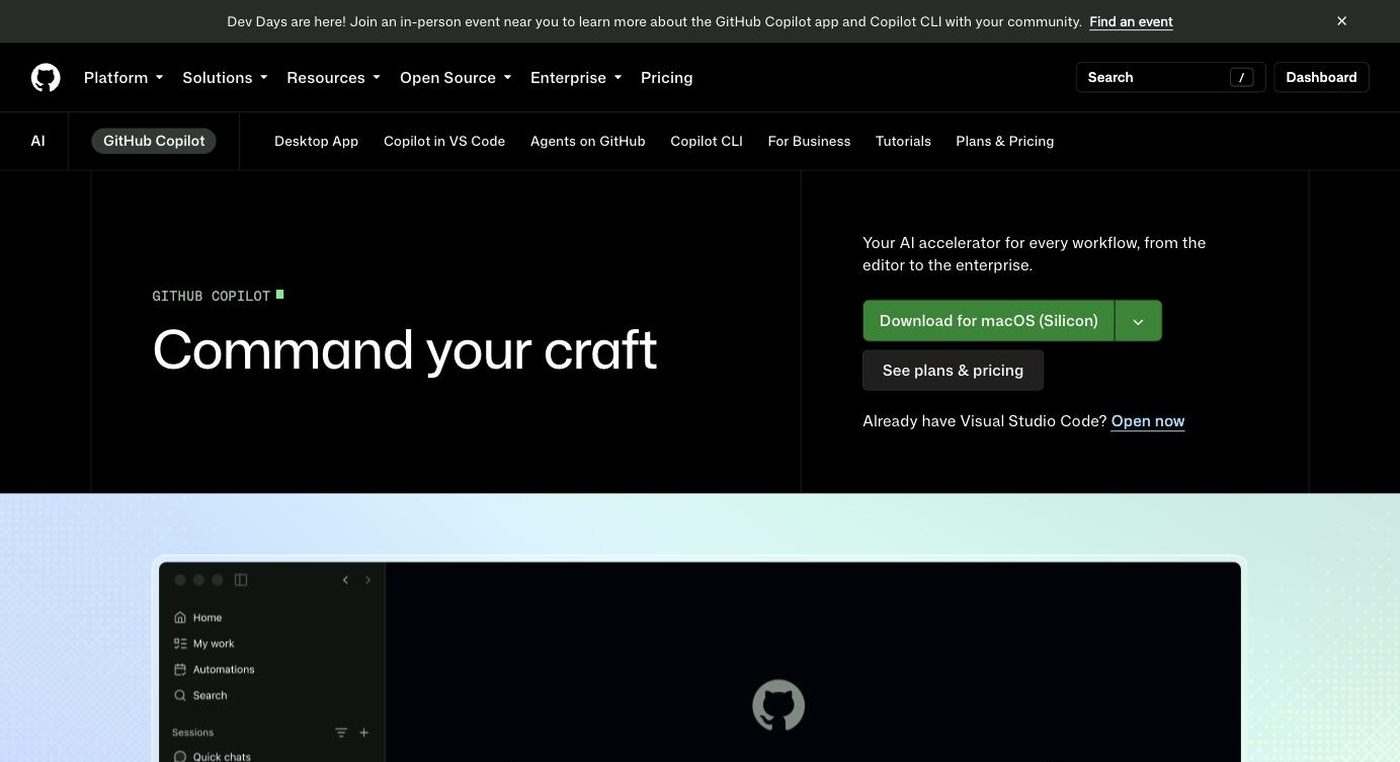
- Category
- Coding & Development
- Pricing
- Free tier available (2,000 completions/mo); Pro $10/mo, Pro+ $39/mo, Business $19/user/mo
- Best for
- GitHub Copilot is the default, lowest-friction choice for individual developers and organizations who are already living in GitHub and want AI assistance without changing editors, procurement processes or admin tooling — it's especially strong for larger companies that need seat management, audit logs and IP indemnification out of the box.
- Official site
- github.com/features/copilot
- Last updated
- August 2026
GitHub Copilot is Microsoft/GitHub's AI pair-programmer, built into VS Code, Visual Studio, JetBrains IDEs, Xcode, Neovim and directly into GitHub.com. It was the first mainstream AI coding assistant (public beta in 2021) and remains the most widely deployed one by raw user count, largely because it ships pre-integrated into the editor most developers already use.
Its core differentiator versus Cursor or Claude Code is distribution and governance rather than raw model capability: Copilot plugs into your existing editor instead of asking you to switch, and it layers directly onto GitHub's permissions, audit logs and organization/enterprise admin controls. Where Cursor and Claude Code lead on agentic coding quality and codebase reasoning, Copilot leads on 'already there, already approved by IT' — plus it lets teams choose from OpenAI, Anthropic and Google models inside one billing relationship.
GitHub Copilot is the default, lowest-friction choice for individual developers and organizations who are already living in GitHub and want AI assistance without changing editors, procurement processes or admin tooling — it's especially strong for larger companies that need seat management, audit logs and IP indemnification out of the box. Teams whose top priority is the best possible agentic coding quality on complex, multi-file refactors should evaluate Cursor or Claude Code first.
Key features
Code completions
Multi-line, context-aware inline suggestions as you type, unlimited on all paid plans and not billed against AI credits.
Copilot Chat
A conversational sidebar in the IDE, on GitHub.com and in GitHub Mobile for asking questions about code, generating tests and explaining errors.
Agent mode
An autonomous mode that plans and executes multi-step coding tasks across files — it decides which files to change, runs terminal commands and iterates until the task is done.
Copilot code review
An agentic reviewer that analyzes pull request diffs in the context of the full project and flags bugs, security issues and style violations automatically.
Cloud agent / coding agent
Assign a GitHub issue directly to Copilot and it works asynchronously in a cloud sandbox, opening a pull request when finished.
Multi-model access
Choose between OpenAI (GPT-5.x family), Anthropic (Claude Sonnet/Opus), Google (Gemini) and xAI (Grok) models from the same interface, billed on a unified AI-credits system.
Copilot CLI
A terminal-native agent for automating tasks, browsing issues/PRs and running multi-step workflows from the command line.
MCP and custom agents
Connect Model Context Protocol servers and build custom agents/skills so Copilot can pull in context from other tools.
Pricing breakdown
Copilot Free
- 2,000 code completions per month
- 50 Copilot Chat messages per month
- Access to a limited set of models
Copilot Pro
- Unlimited code completions and next-edit suggestions
- Monthly AI credits allowance for chat/agent/model usage
- Access to Cloud agent and Copilot CLI
Copilot Pro+
- Everything in Pro
- Larger monthly AI credit allowance (~4x+ Pro)
- Access to premium models including Opus-tier models
Copilot Business
- Pooled AI credits at the organization level
- Centralized policy management and seat assignment
- IP indemnification
- Org-wide content exclusion and audit controls
Copilot Enterprise
- Everything in Business
- Copilot Spaces and deeper repository/context indexing
- Enterprise-grade governance, SSO/SCIM and audit logging
Pros and cons
Pros
- Already integrated into the editors and GitHub workflow most developers use, so there's effectively no switching cost
- Cheapest paid entry point among the major AI coding tools at $10/mo for unlimited completions
- Multi-model choice (OpenAI, Anthropic, Google, xAI) inside one subscription and one bill
- Enterprise governance is mature — audit logs, policy controls, seat management and IP indemnification are all built out
- Copilot code review and cloud coding agent extend it into async, PR-driven workflows, not just inline completion
- Broadest IDE support of any tool in this category, including Visual Studio, Xcode and Neovim
Cons
- Multiple independent sources report completion acceptance rates trailing Cursor's, and users describe suggestion quality as noticeably worse on complex, multi-file tasks
- The June 2026 shift from flat request-based billing to per-token AI-credits billing confused existing subscribers and drew complaints about unclear cost predictability
- The web-based Copilot agent has been reported as slow to spin up, which compounds when a session needs multiple restarts
- Free tier limits (2,000 completions, 50 chat messages/month) are tight enough that most working developers hit the ceiling quickly
- Copilot Enterprise's real cost is understated by its $39/seat sticker price since it requires GitHub Enterprise Cloud on top
- Agent mode and multi-file agentic editing are newer additions bolted onto a tool originally built for single-line completion
What reviewers say
Copilot's review profile is consistently solid but not top-of-category: G2 reviewers rate it 4.5/5 and Capterra reviewers rate it 4.6/5, with a notably weaker sub-score for customer service and value for money. The recurring theme across both platforms and Reddit/HackerNews threads is that Copilot is fast and reliable for routine, well-scoped edits but loses trust on architecturally complex, multi-file work, where competitors like Cursor and Claude Code are perceived as stronger. The June 2026 move to usage-based AI-credit billing is a fresh and recurring complaint.
Frequently praised
- Deep, frictionless integration into existing IDEs and GitHub workflows
- Fast, high-acceptance suggestions on routine and repetitive coding tasks
- Strong enterprise governance: audit logs, policy controls, IP indemnification
Frequently criticized
- Suggestion accuracy and complex multi-file task performance trail Cursor
- New usage-based AI-credit billing (June 2026) is confusing and reduces cost predictability
- Web-based agent sessions can be slow to spin up
- Copilot Enterprise's real cost is higher than advertised once GitHub Enterprise Cloud is factored in
Alternatives to GitHub Copilot
Frequently asked questions
Is GitHub Copilot free?
Yes, Copilot Free gives you 2,000 code completions and 50 Copilot Chat messages per month at no cost, with no credit card required. Most active developers exceed this within a few weeks and upgrade to Pro.
How much does GitHub Copilot Pro cost?
Copilot Pro is $10/month (or discounted annually) and includes unlimited code completions plus a monthly AI credits allowance for chat, agent mode and model usage.
What's the difference between Copilot Pro and Pro+?
Pro+ costs $39/month and includes a much larger AI credit allowance (roughly 4x+ Pro's) plus access to premium models like Opus-tier Claude models, which Pro does not include.
Is GitHub Copilot better than Cursor?
Copilot wins on integration convenience and enterprise governance since it's built into existing IDEs and GitHub's admin tools. Cursor is generally rated higher for agentic, multi-file coding quality and completion acceptance rates by independent reviewers.
Does GitHub Copilot require a GitHub Enterprise Cloud subscription?
Only Copilot Enterprise does — it requires GitHub Enterprise Cloud (about $21/user/month extra), pushing its effective cost closer to $60/user/month. Copilot Business ($19/user/month) does not require Enterprise Cloud.
What changed with GitHub Copilot billing in 2026?
On June 1, 2026, GitHub replaced flat per-request billing with usage-based AI-credit billing, where cost depends on the model and number of tokens consumed. Plan prices stayed the same, but what they cover changed.
Ready to try GitHub Copilot?
Head to the official site to explore pricing and start a free trial where available.
Visit GitHub Copilot →