simpleshow
Turn scripts and slides into animated explainer videos with AI
- Category
- Video Generation
- Pricing
- Free plan available with limited monthly renderings and watermarked/non-commercial output; paid Business and Pro tiers unlock commercial use, more avatars, and unlimited/HD rendering (annual billing advertised at 34% and 20% savings respectively, but exact monthly dollar prices are not published on the site and require checkout to view); a free Classroom plan exists for up to 50 students; Enterprise pricing is custom, by quote.
- Best for
- simpleshow best fits corporate training, HR, compliance, internal-communications, and sales-enablement teams that regularly need to convert existing text or slide content into short, consistent explainer videos.
- Official site
- simpleshow.com
- Last updated
- August 2026
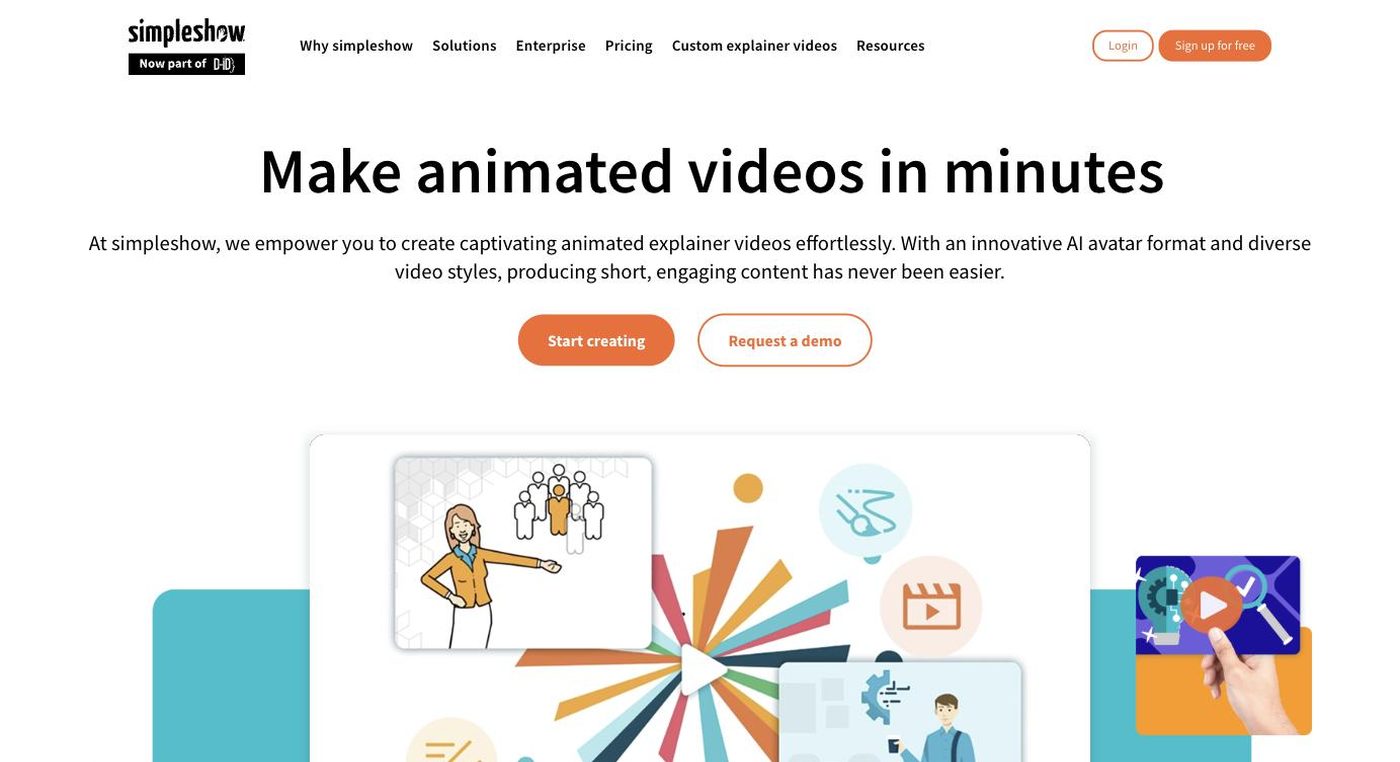
simpleshow positions itself less as a general creative video generator and more as a workflow tool for turning existing written material — a script, a policy document, a PowerPoint deck — into a finished explainer video. Its core mechanism, described on the site as an 'Explainer Engine,' parses input text, extracts key concepts, and automatically pairs them with a library of illustrations, animated icons, and transitions, removing the manual timeline-editing step that most video tools still require.
On top of that automated pipeline, simpleshow layers AI-specific capabilities: a script generator that drafts video scripts from a short set of prompts, AI avatar presenters, and voice-imitation technology that lets a user record a short sample and reuse that voice across future videos in dozens of languages. The company has also referenced technology ties to D-ID, an AI avatar/synthetic-video specialist, suggesting its avatar features are being actively expanded rather than static.
The product is clearly built around enterprise and institutional buyers: plan tiers reference commercial-use rights, watermark removal, SSO, corporate branding automation, and dedicated enterprise support, alongside a free 'Classroom' tier aimed at educational use with up to 50 students. This split — a lightweight free/business self-serve tier plus a negotiated enterprise tier — is typical of B2B explainer-video vendors serving training and internal-communications use cases rather than consumer or social-media creators.
simpleshow best fits corporate training, HR, compliance, internal-communications, and sales-enablement teams that regularly need to convert existing text or slide content into short, consistent explainer videos. Its enterprise controls (SSO, branding automation, dedicated support) and education-focused Classroom tier also make it a reasonable fit for schools or instructors producing instructional content at scale. It is less suited to creators wanting highly stylized, cinematic, or social-media-first AI video generation.
Key features
Content-to-script extraction
Users can paste long-form text or upload a document, and the platform automatically condenses it into a short, structured video script rather than requiring the user to write one from scratch.
Automated illustration matching
The system analyzes the script and selects matching illustrations, icons, and animated scenes automatically, replacing manual timeline and asset placement.
AI avatar presenters with voice cloning
Videos can include an AI avatar narrator, and users can record their voice once to have it reused (voice imitation) across future videos in 20+ languages.
Slides-to-video conversion
Existing PowerPoint decks can be converted into a narrated video with an AI avatar and layout that mirrors the original slides.
Corporate branding automation
Company colors, fonts, logos, and backgrounds can be applied automatically across generated videos to keep output on-brand without manual styling per video.
Engagement analytics and interactive quizzes
Published videos can include AI-generated quiz questions and provide analytics on views and quiz performance, aimed at training and internal-comms use cases.
Pricing breakdown
Free
- 3 video renderings per month
- 2 AI avatars and 3 illustration styles
- Limited AI voices and background music
- No watermark removal or commercial-use rights
Business
- 10 video renderings per month
- 4 AI avatars
- Commercial use enabled and watermark removed
- Custom voiceover recording
Pro
- Unlimited video renderings
- All AI avatars and AI voice imitation
- HD and SCORM download, up to 5-minute video uploads
Classroom
- Up to 50 student team members
- Unlimited illustrations and full effects library
- Team collaboration tools
Enterprise
- Custom team sizes and dedicated support
- SSO and corporate branding at scale
- Custom Video Builder and creative services add-ons
Pros and cons
Pros
- Automates the most time-consuming parts of explainer video production (script structuring, illustration selection, timing) so non-designers can produce a finished video quickly
- Enterprise-oriented feature set — SSO, compliance certifications referenced on-site, corporate branding automation — makes it easier to justify for regulated or large organizations than many consumer-first AI video tools
- Broad language and voice-cloning support (40+ languages, voice imitation) is useful for organizations that need to localize the same training or communications content repeatedly
- Free and Classroom tiers give individuals and educators a genuine no-cost way to trial the core video-generation workflow before committing to a paid plan
Cons
- Because exact Business/Pro pricing isn't published, prospective buyers can't easily comparison-shop against competitors without creating an account or requesting a quote
- Free-tier output carries watermarks and excludes commercial use, so it's only useful for evaluation, not real deployment
- Several headline AI-avatar and real-footage features are still labeled 'coming soon,' meaning the most visually advanced capabilities may not yet be fully available to all users
- The tool's illustration-driven, template-style visual output is optimized for corporate/training explainer videos and is not aimed at cinematic, social-first, or highly custom creative video generation
Alternatives to simpleshow
Frequently asked questions
What does simpleshow actually generate videos from?
simpleshow generates videos from text scripts, pasted/uploaded content, or existing PowerPoint slide decks, automatically converting them into narrated, illustrated explainer videos.
Does simpleshow use AI avatars?
Yes, the platform offers AI avatar presenters as part of its video output, with avatar capabilities noted as being expanded, including a referenced technology relationship with AI avatar specialist D-ID.
Is there a free plan?
Yes, simpleshow offers a free plan limited to a small number of monthly video renderings, watermarked output, and no commercial-use rights, plus a separate free Classroom plan for educational teams of up to 50 members.
How much do the paid plans cost?
Business and Pro plan prices are not publicly listed on the marketing site in dollar figures; the site advertises annual-billing discounts (34% for Business, 20% for Pro) but exact monthly pricing is shown only during signup or checkout.
Can simpleshow videos be used commercially?
Commercial use and watermark removal are only enabled starting at the paid Business plan and above; the free plan does not include commercial-use rights.
Does simpleshow support multiple languages?
Yes, the platform supports 40+ languages with one-click translation and voice-imitation technology that can replicate a recorded voice across those languages.
Ready to try simpleshow?
Head to the official site to explore pricing and start a free trial where available.
Visit simpleshow →